
- Log in to the OneRoom Console.
If you forgot your password, click on ‘Forgot password?' button and a password reset email will arrive shortly.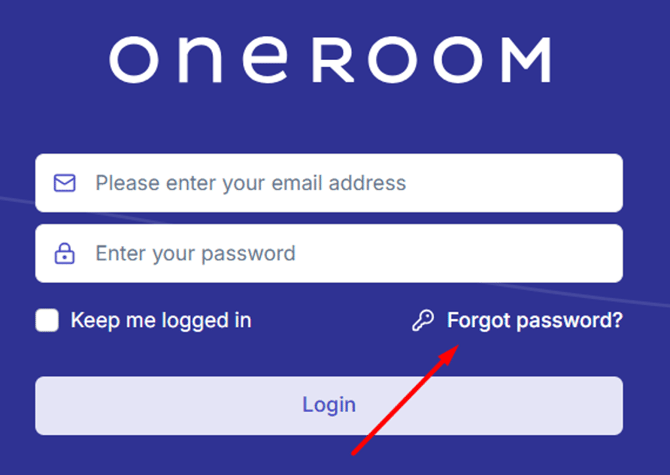
- Search the service name on the search bar
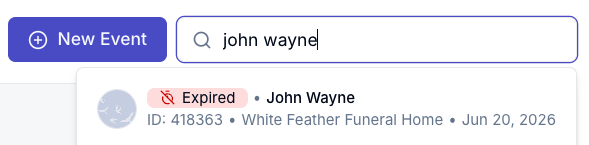
Note: If you can’t see the event, a Venue Admin from the venue will need to add you as an Event Organiser for the service in question. - Once you have located the service, scroll down until you see ‘Video Sources’
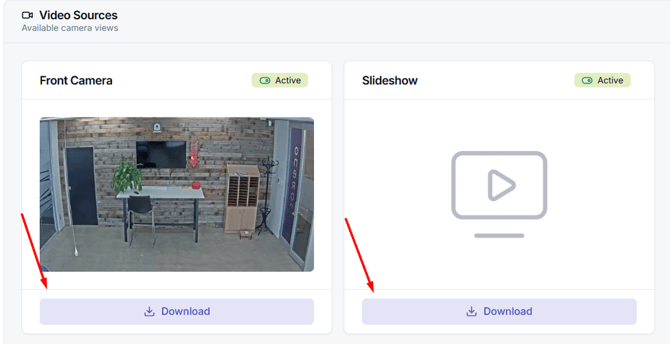
- Click on "Download" and the download process should initialize. The time varies depending on your internet speed.